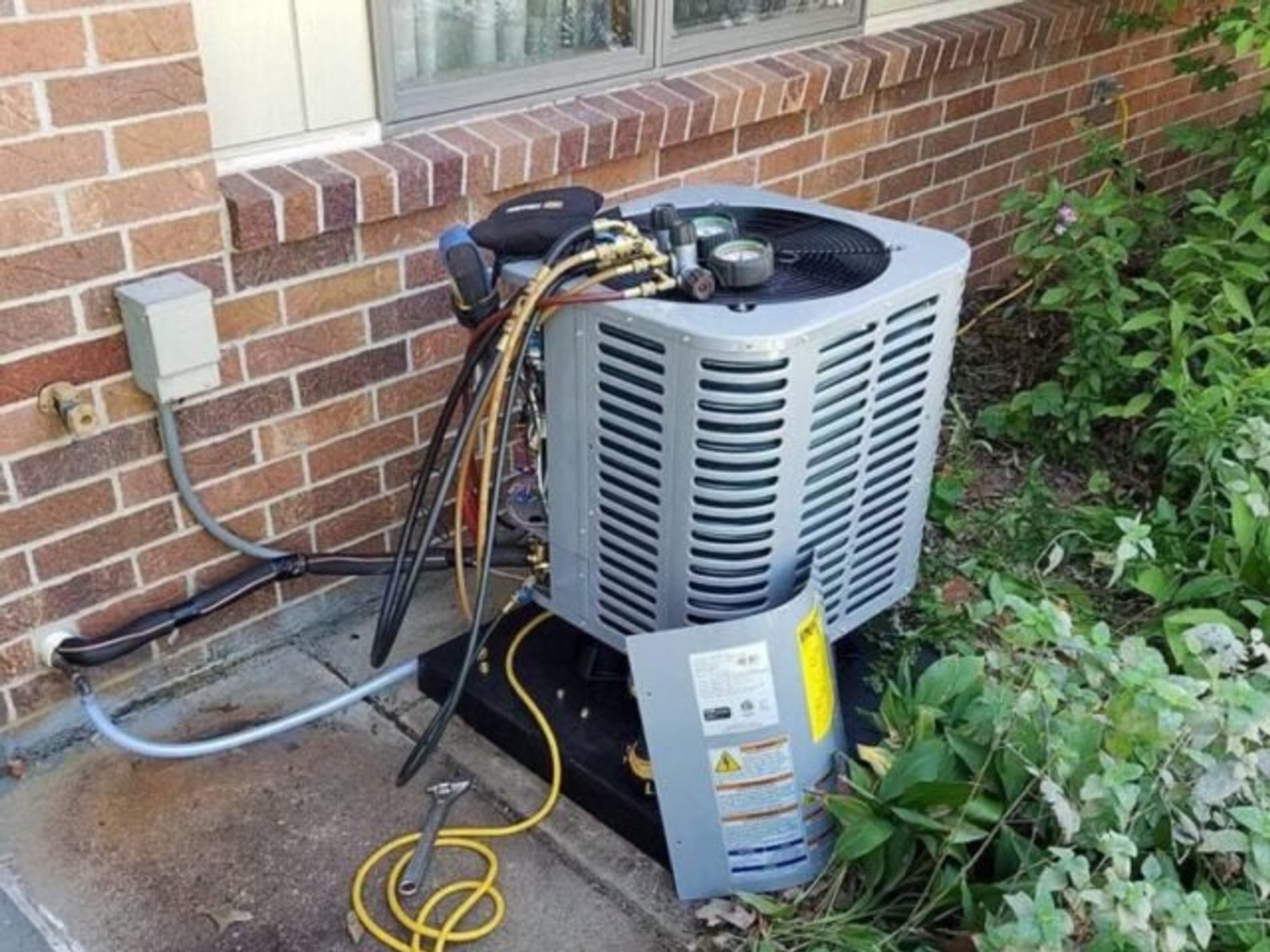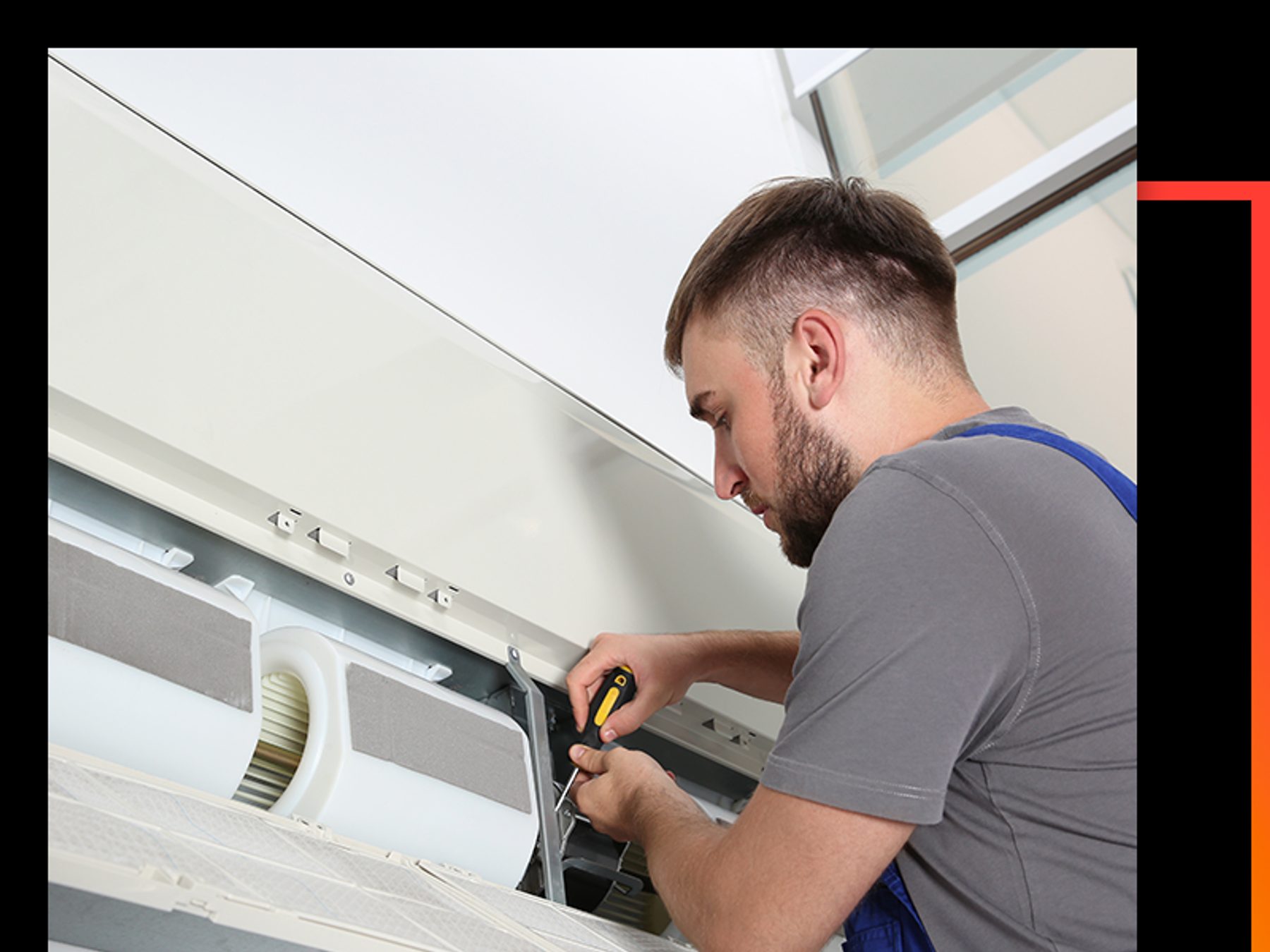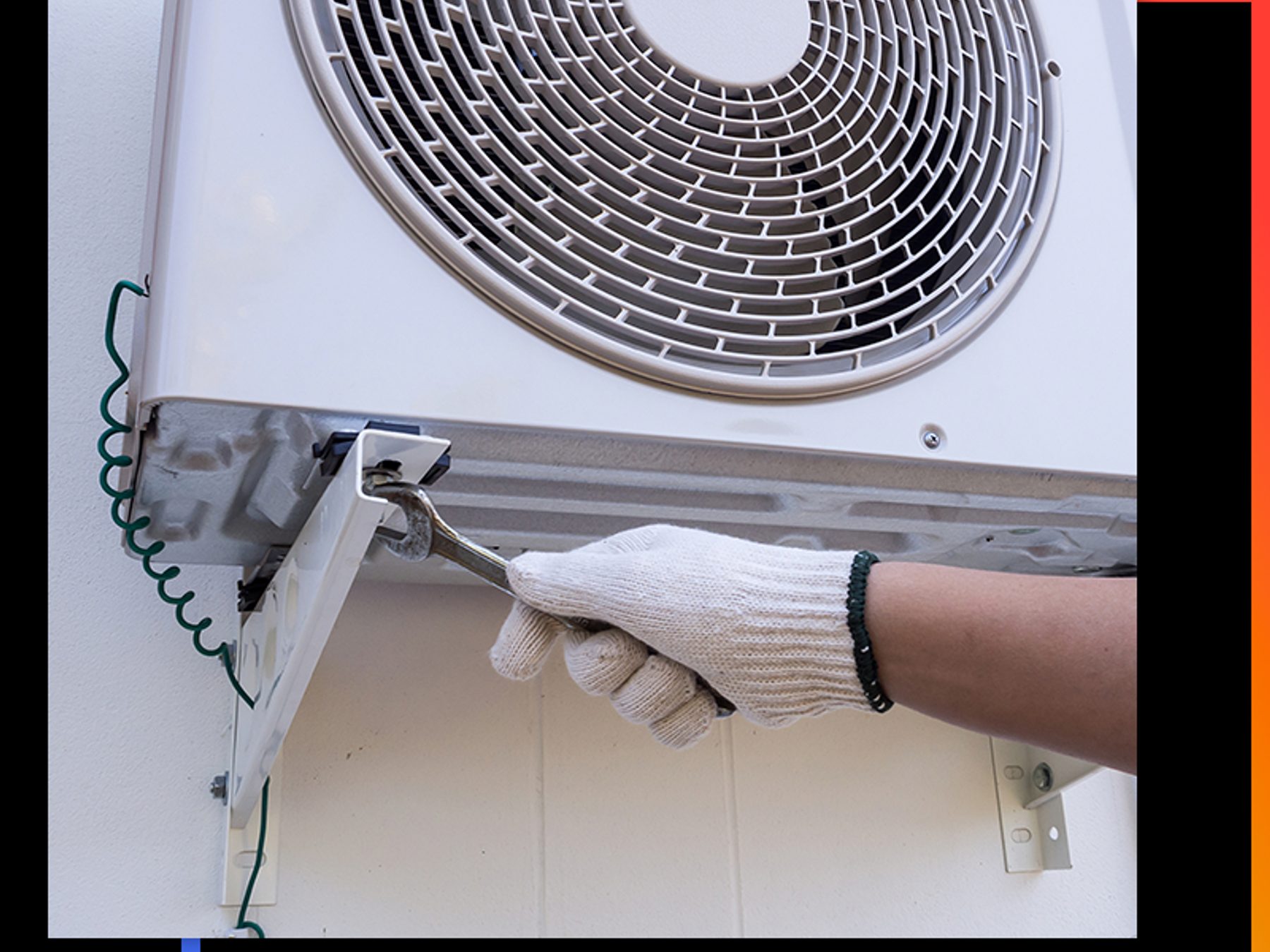
Three different faults all get called a dead thermostat, and they are not the same problem. A blank screen is a power fault. A screen that lights up but ignores the buttons is a thermostat or wiring fault. A screen that works but will not hold a setting is a schedule, a hold or a sensor fault.
Eight things that stop a thermostat working
These are the faults we find, in the order we find them.
- Dead or low batteries, which can hold the screen but not the memory
- A schedule that has been reset, so the clock and the date are wrong
- A permanent hold or an override somebody left switched on
- A tripped breaker on the furnace or the air handler
- A wiring fault: a loose terminal, a pulled wire, a damaged cable run
- A control board that has lost communication with the thermostat
- A thermostat wired to equipment it was never meant to control
- A temperature sensor fooled by a heat source standing next to it
Five checks you can make yourself
- Replace the batteries and reset the schedule. Take the batteries out, leave them a minute, then fit new ones. Most thermostats have a reset button that puts the factory schedule back. While you are there, check the clock and the date, because a thermostat with the wrong time runs the house at the wrong hours.
- Check the mode and the fan. The mode has to be on cool or heat for the system to do anything, and the fan is usually set to auto. A thermostat left on fan only will move air and never cool, which sends people hunting for a compressor fault that is not there.
- Make sure nobody has enabled a hold. A hold icon, a padlock or a line across the temperature tells you the setting is overridden. Some thermostats keep the override until you press and hold a button to clear it. While a hold is on, the system ignores every change you make.
- Press the reset button on the indoor unit. Many furnaces and air handlers have a reset or purge button on the cabinet or below the filter door. Press it once and wait for the system to pick up its default timing. It is a button press, not an opening of the cabinet.
- Compare the reading with a thermometer on the wall. Put an ordinary thermometer next to the thermostat and leave it ten minutes. If the two do not agree, the thermostat has probably moved or the sensor is being warmed by something beside it. If they agree, the reading is honest and the fault is further down the line.
When the fault is behind the panel
Here is the line, plainly stated. If new batteries and a reset do not fix it, if the thermostat shows an error, or if the system runs constantly with the thermostat switched off, then the thermostat, its wiring or the control board is at fault. That work is behind the wall plate and behind the cabinet, and it is technician work.
Do not pull the thermostat off the wall to look at the wires, and do not open the furnace or the air handler cabinet. The low voltage side shares a circuit with the blower and the controls, and a guess with a screwdriver is how a small fault turns into a new control board. We find these with a meter.
A smart thermostat is a different problem from a dead one
A smart thermostat that needs the app or the wifi is not dead. If it has power and the screen works but the app cannot find it, the problem is the network, the hub or the account. A programmable thermostat does not use the app or the wifi, so if it shows a fault or goes blank, the cause is local to the house and the wiring behind it.
The sensor and the heat next to it
The thermostat has a small temperature sensor inside it, and it reads the air around the case rather than the whole room. Sunlight on the wall, a lamp beside it, a fireplace in the same room or a warm hand held against the case will push that reading up. The system then runs longer than it should, and in heating season it may not fire at all. Move the heat source, or move the thermostat to a clear wall, and watch what the reading does.
| Cause | What you notice | Where the fix sits |
|---|---|---|
| Dead or low batteries | Blank screen, or the schedule is lost | You |
| Schedule reset, wrong clock or date | The house runs at odd hours | You |
| Hold or override left on | The system ignores every change | You |
| Tripped breaker on furnace or air handler | Nothing happens when the thermostat calls | You, once only |
| Wiring fault at the thermostat or in the cable | Flickering display, error message, intermittent response | Technician |
| Control board has lost communication | The thermostat works but the system never answers | Technician |
| Thermostat wired to the wrong equipment | An error on the screen, or the wrong unit answers | Technician |
| Sensor warmed by a heat source beside it | The reading drifts and the system runs long | You |
A thermostat that is genuinely dead is rare. A thermostat with flat batteries, a lost schedule or a hold nobody remembered is common, and it takes ten minutes to sort out. We would rather you did that part yourself and kept the money for the faults that need a technician.
What happens when we come out
We test the thermostat, check the voltage at the terminals and work back to the control board. We also confirm which equipment the thermostat is calling for, because one left behind after a change of system is a fault we meet more often than people expect. If the sensor has drifted, the thermostat is replaced rather than adjusted. You get the fault written down and the price in writing before any work starts.
The honest version
If you would rather have somebody look at it, our HVAC repair page explains how we handle a fault like this, and the symptom hub lists the rest of the symptoms we get called about, one at a time.
Most calls we take on a thermostat turn out to be batteries, a reset schedule, or a hold somebody left on. The faults that genuinely need a licensed technician are the wiring, the control board and the sensor. Do the five checks first, and if the system is still not answering, call (209) 351-6000 and tell us what the screen says. RB HVAC Inc. holds California HVAC license number 1094161, and we quote the price in writing before any work starts.